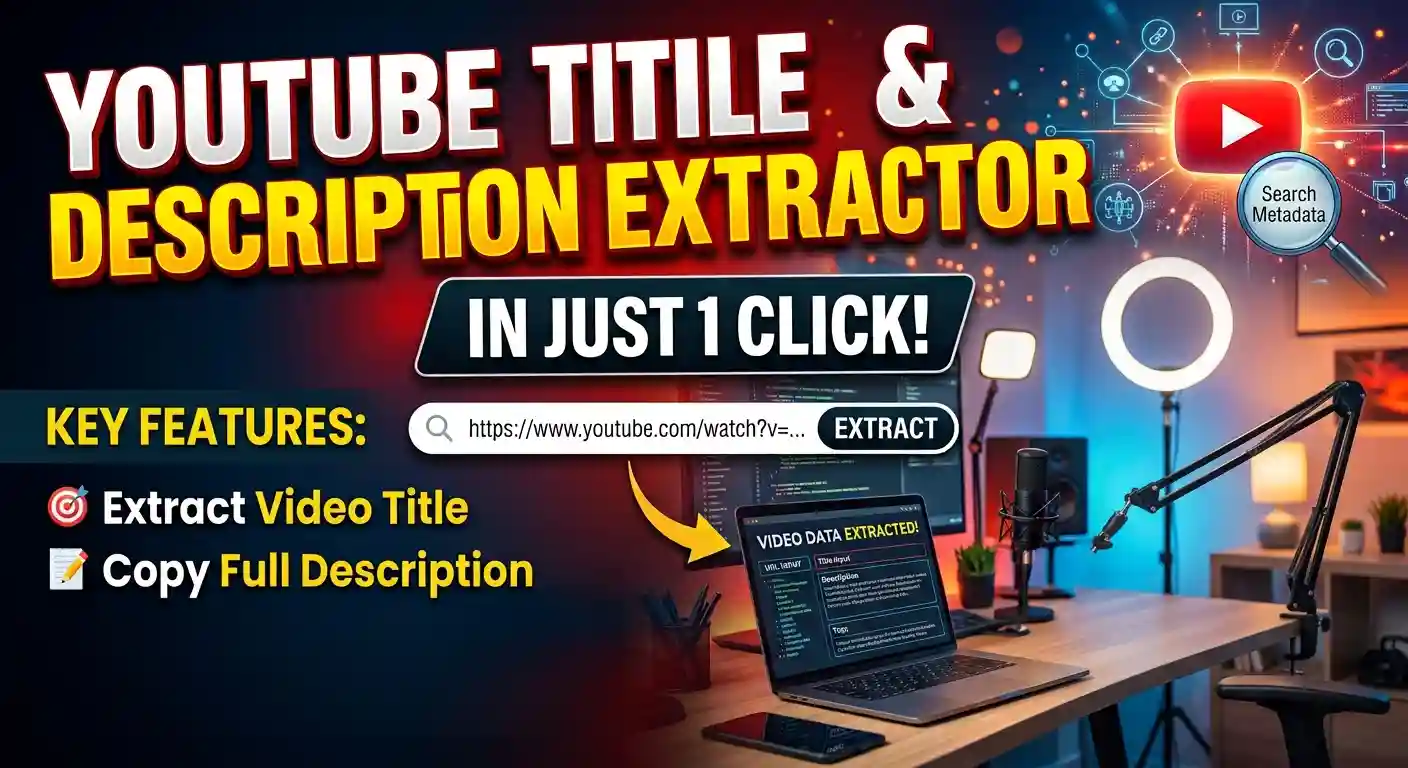
YouTube Title and Description Extractor — Get Any Video Data
Extract any YouTube video’s title and description in just one click. No login required, no software needed. Just enter the link and copy.
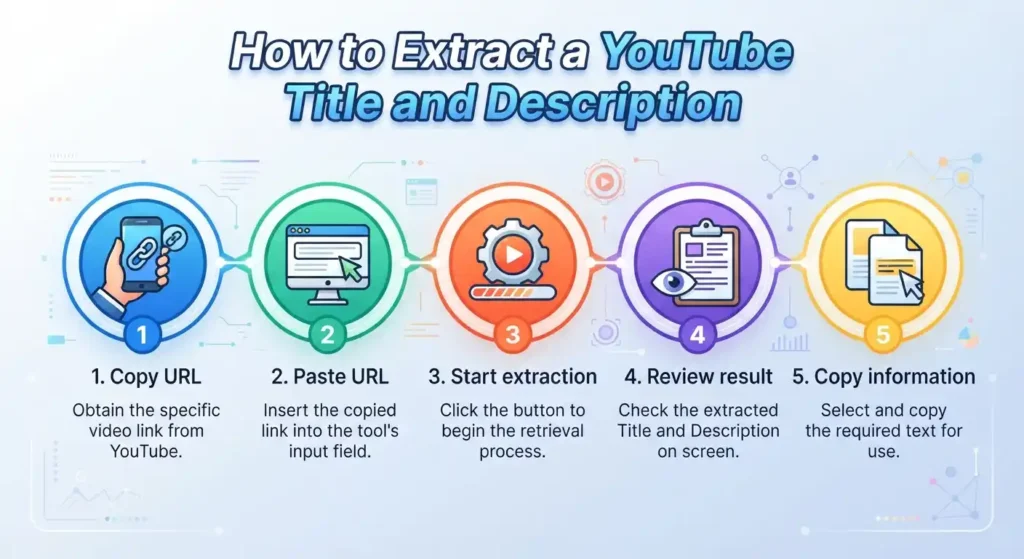
How does our YouTube title and description extractor work?
Operating this tool is very easy. You only need to do three steps:
- Copy the YouTube video link and paste it into the box given above.
- Click the “Extract” button.
- In just a few moments, the title and description will appear in front of you. Copy whatever you need using the button. No matter what format the link is in, long or short, the tool understands it.
What can you extract from a YouTube video?
On this page, you can extract two things:
- Video Title
The full name of the video, exactly as it is written on YouTube. Looking at this helps you understand how successful videos title their content. - Description
The complete text written under the video: links, timestamps, social media handles, and much more. Even long descriptions are copied all at once.
Need tags or thumbnails as well? We have separate tools for those: YouTube Tags Extractor and YouTube Thumbnail Downloader. Enter your link there to extract those items.
Who can use this tool?
- For SEO Specialists
Analyze the words and structure of successful videos, then apply the same strategy to your clients’ videos. It is much faster than opening every video manually. - For YouTubers and Content Creators
Before making your next video, see what others are writing about your topic. This gives you a better idea for writing your own title and description. - For Researchers and Students
Gather everything in one place regarding what was said in videos on a topic. It also makes citing references easier. - For Marketers and Agencies
Look at the text of competitor brand videos to understand what they are communicating to people. This makes it easier to set the direction for your own campaign. - For Playlist and Video Organizers
If you need to make a list of many videos, manually typing the name and details of every video gets exhausting. Copy directly from here and place them into your list.
Why extract YouTube titles and descriptions?
Behind a highly viewed video is often a carefully crafted title and description. Here are the benefits of reading them:
- Competitor Insights: See what others in your niche are doing.
- New Keywords You discover words in descriptions you didn’t think of.
- Titling Style: Shows you what kind of title grabs the viewer’s attention.
- Description Structure: You can see where to place links, timestamps, and other details.
Learning from others is fine, but copying someone’s writing word-for-word is not right. Use this only for guidance.
What is the difference between a title, description and tags?
All three perform different roles:
- Title: The name of the video. Itis the first thing users see in search results so it should be short, clear and catchy.
- Description: A detailed explanation about the video. Here you explain what is in the video, and important links are also provided here.
- Tags: Short words that help YouTube understand the topic of the video. These are not visible to the viewer.
Simple Example: The title is the shop’s signboard, the description is the detail inside the shop, and tags are the slips used to find items in the shop.
This page provides the title and description. To view tags, use the YouTube Tags Extractor.
How to use extracted data for better YouTube SEO?
Use the extracted text in the following ways:
- Extract titles of several successful videos and observe which words appear repeatedly.
- Select those words that match your video.
- Write your title in a new style; do not copy anyone’s exact title.
- The first two sentences of the description are the most important because those are visible in search. Write them thoughtfully.
- After uploading the video, monitor the results for a few days and adjust the title slightly if needed.
Compare popular video titles and descriptions
Pull out text from multiple videos and put them side by side. This clearly reveals:
- Which title is short and which is long.
- Which description has links at the beginning and which has them later.
- What common element exists across all successful videos.
What you find common in all of them is usually what works. What is present in only one video is simply their personal style.
Why is the title or description not extracting?
If nothing is being extracted, it could be one of the following reasons:
- Private video: Could not get details for a video that the creator has set to private.
- Reremoved video: If the video has been removed there is nothing to watch.
- Incorrect link: If the link is broken or copied incorrectly, the tool will not be able to recognize it. Copy it again from the browser address bar.
- Age restriction: Some videos are meant only for adults, and their details may be restricted.
- Country restriction: Some videos are blocked in certain countries.
Check the link again first, then try another video. This will clarify whether the issue was with the link or the video itself.
Is it legal and safe to extract YouTube video details?
This tool simply extracts and shows what anyone can already see publicly on YouTube. Nothing private is exposed.
For your safety, you do not need to provide your YouTube password or account details.
An important thing to remember: The extracted text is strictly for viewing and learning. Putting someone else’s exact title or description on your own video is not right and can go against YouTube’s guidelines. Write your own content.
Frequently asked questions about the YouTube Title and Description Extractor
Paste your video link and extract now
Copy the link of the video whose title and description you need, and paste it into the box above. In a few moments, both will be right in front of you.
More Free YouTube Tools
If you need other YouTube-related information, explore the additional tools available on the site.